About project
Integrating UKRSIBBANK's API with Odoo for project-related financial tasks can enhance the efficiency and accuracy of your project management processes, ultimately leading to better financial control and reporting for your projects.
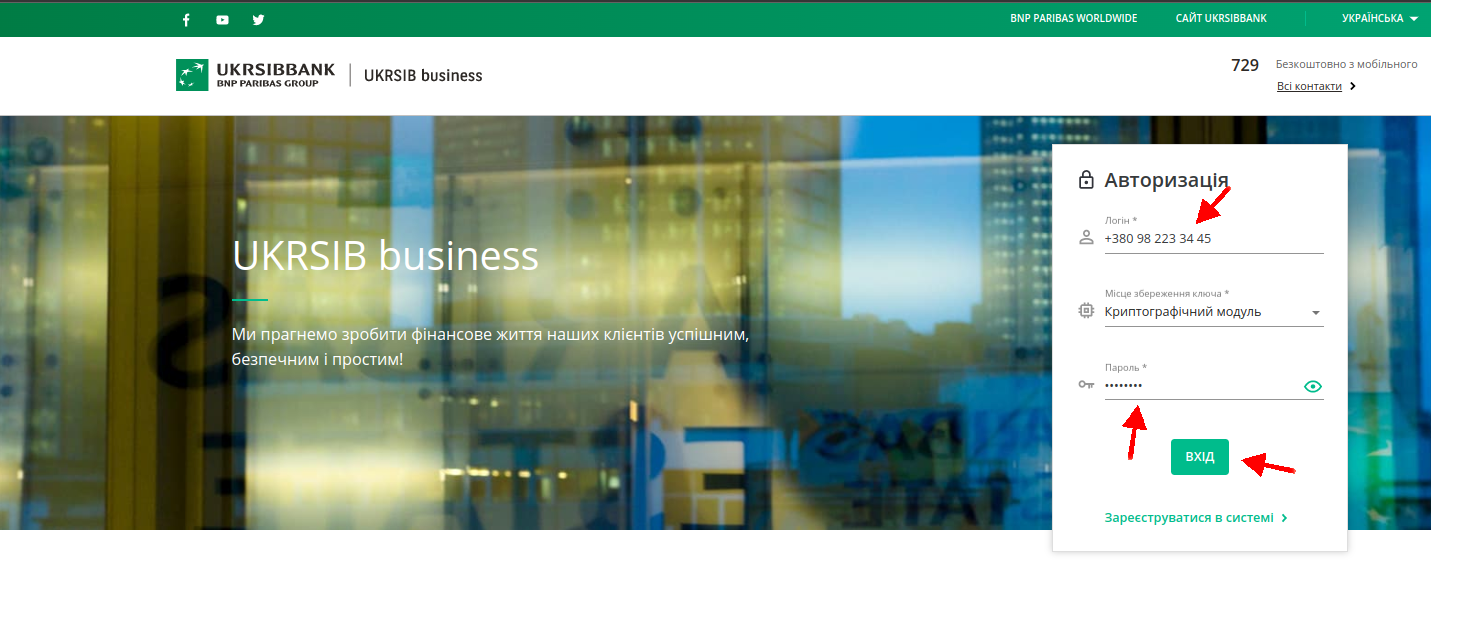
Challange
Define Integration Goals
Access UKRSIBBANK API Documentation
Develop or Install Odoo Module
Configure API Access
Define Integration Scenarios
Financial Reporting
Solution
The integration between U-API and Odoo is implemented in several important parts:
Initiate a new connection
Receive bank statements
Get a new pair of JWT tokens
Ability to suspend payments
Getting started
After installing the integration module you need to open Accounting/Invoicing app. Assuming you already created Journal with type Bank, you need to access that journal Configuration (Accounting → Bank Journal → Configuration) and set following parameters and press SAVE:

Provider - Ukrsibbank
Account Number - IBAN
Currency - choose corresponding currency
Next step
After pressing Save Online Bank Statement Provider will be created for your journal automatically. So you need to configure it first. From Accounting Dashboard go to Configuration → Banks → Online Bank Statement Providers and choose the connection with Service - Ukrsibbank:

Finaly
After that connection is successfully configured and can be used to interact with Ukrsibbank API.

Result
If the connection to the bank is successful, automatic synchronization will occur based on the connection configurations from the connection configuration form

Why Use Odoo Integration with UkrSibbank API for Automated Banking?
Automatic Bank Statement Sync
Seamlessly imports and synchronizes bank statements in real-time, eliminating manual uploads and ensuring up-to-date financial records without errors.
Streamlined Reconciliation
Automates the matching of bank transactions with Odoo invoices and payments, reducing reconciliation time from hours to minutes and minimizing discrepancies.
Enhanced Security with JWT Tokens
Establishes secure connections using JWT authentication, protecting sensitive financial data and complying with banking standards for safe operations.
Improved Financial Oversight
Provides a unified dashboard for monitoring cash flow, tracking income/expenses, and generating instant reports, empowering better decision-making in multi-currency or multi-company setups.
Efficient Payment Management
Supports direct invoice sending, online payment gateways, and payment suspension options, simplifying vendor and customer transactions within Odoo.
Scalable for Business Growth
Handles complex financial needs like international operations or subsidiaries, boosting overall efficiency and reducing administrative overhead in accounting teams.